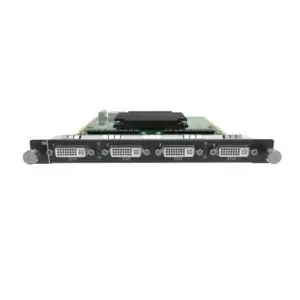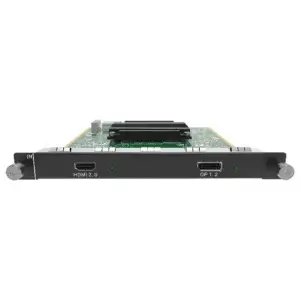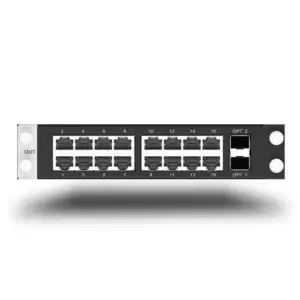
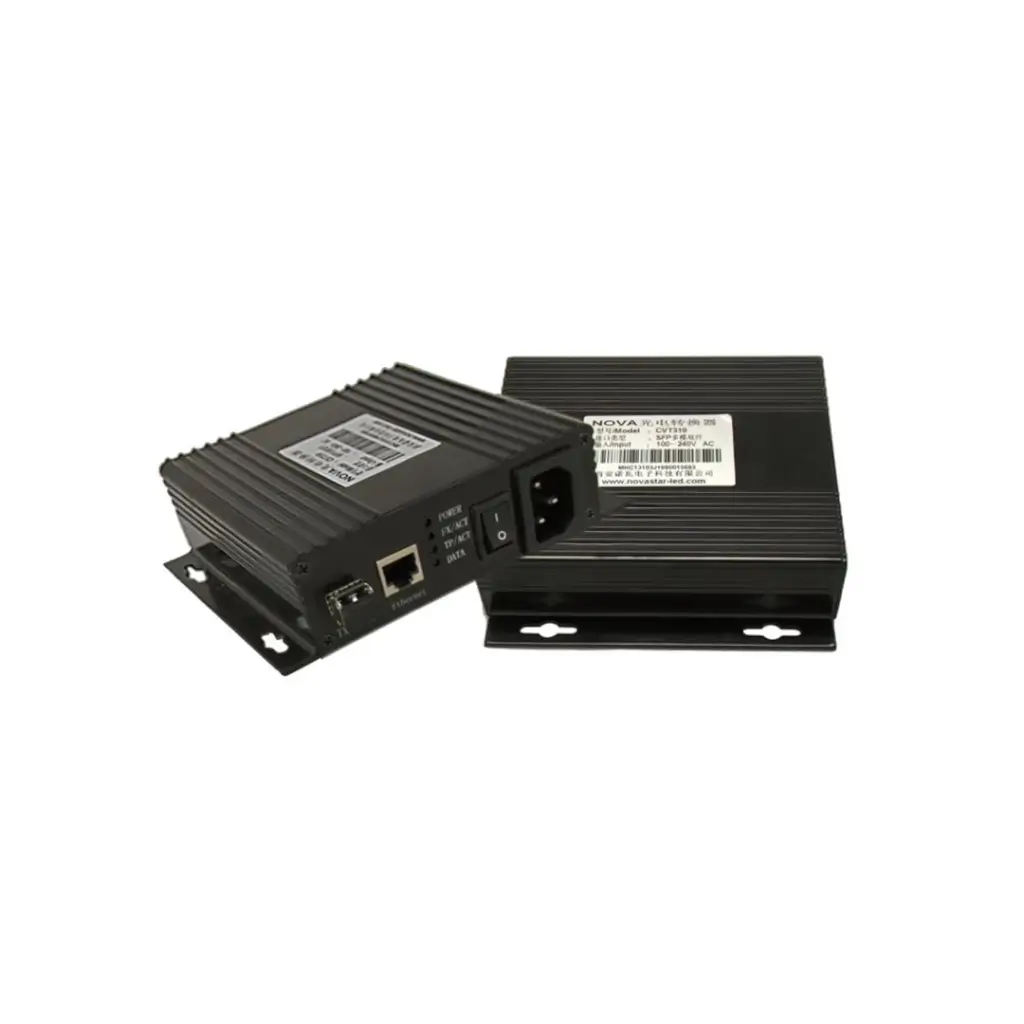
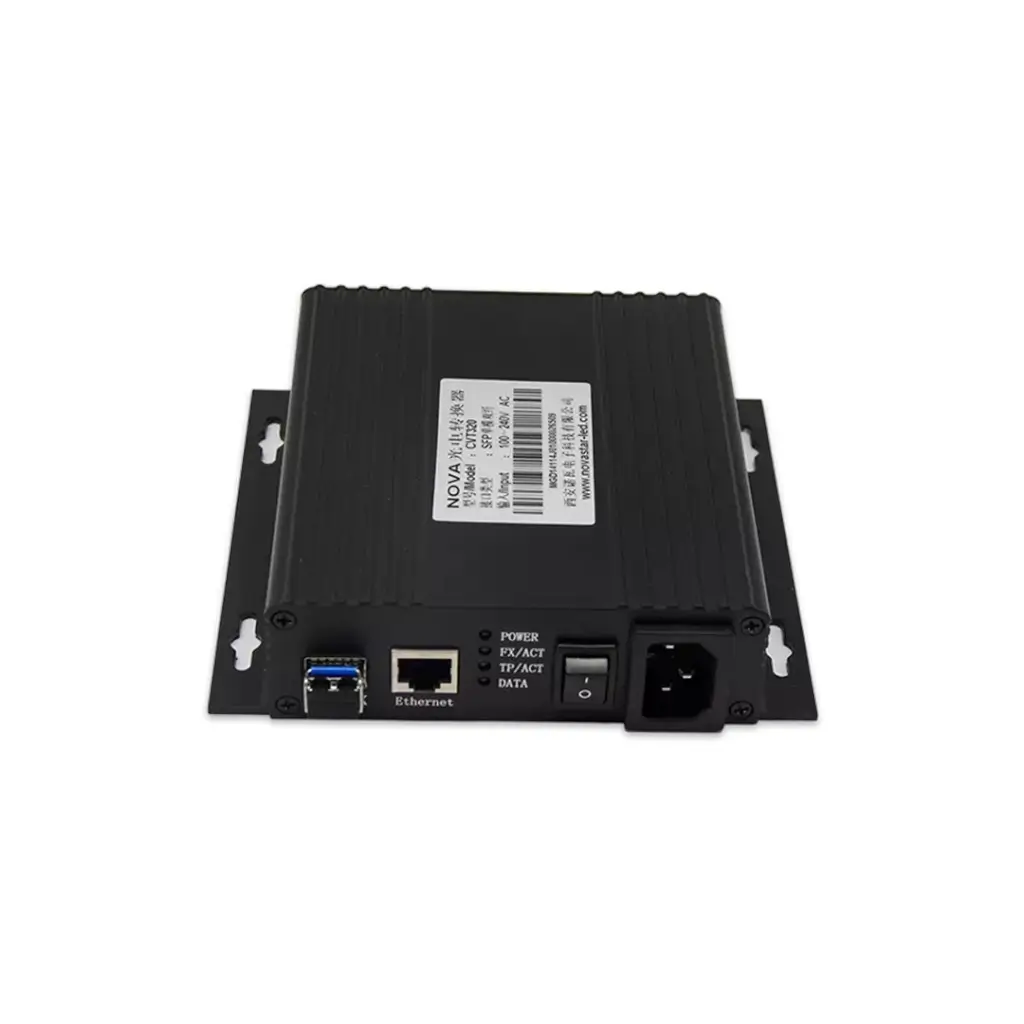
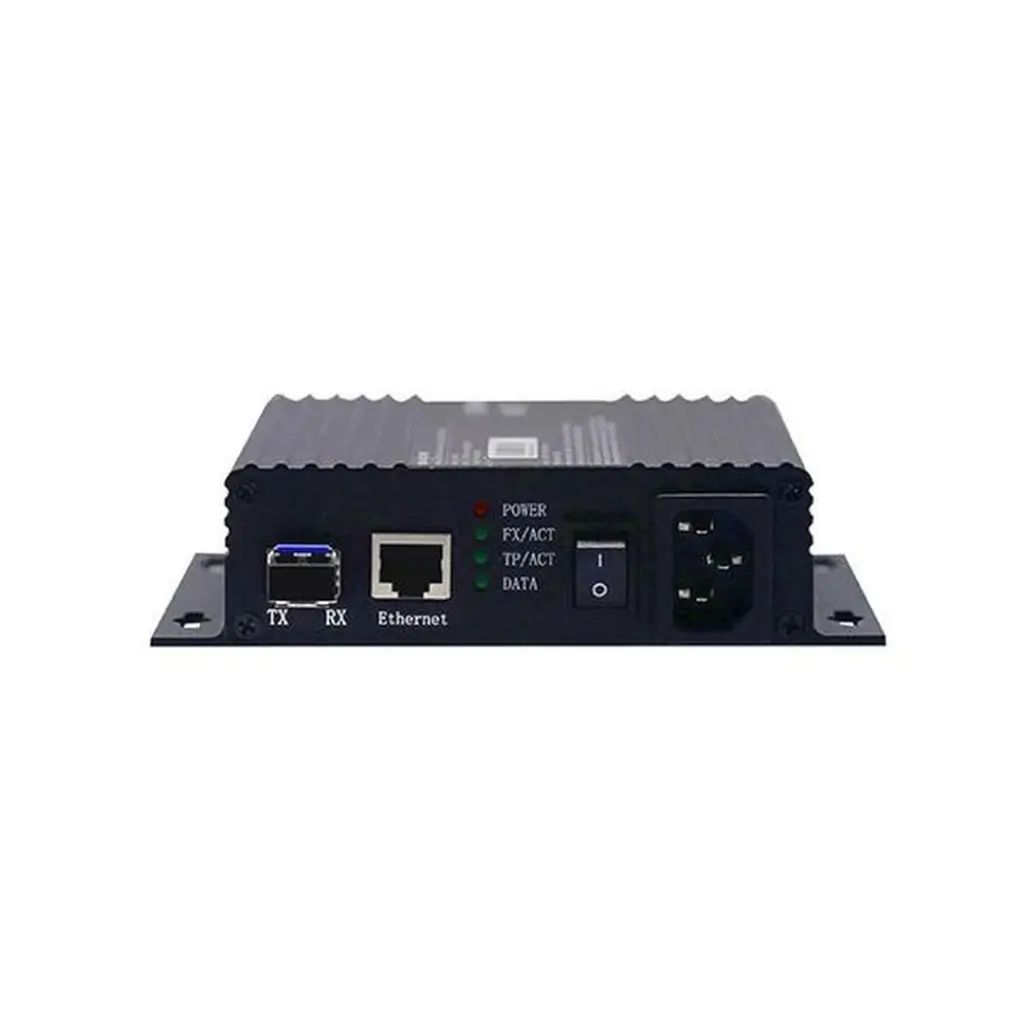
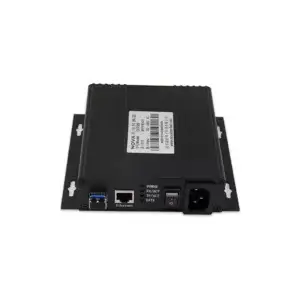
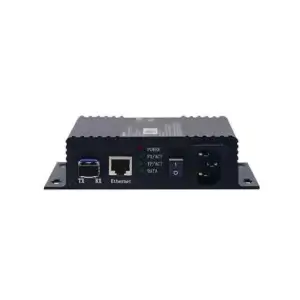
The Novastar CVT320-S is a CAT5/fiber converter designed to facilitate long-distance data transmission between LED display sending and receiving systems. It is specifically engineered for single-mode fiber, which allows it to transmit data over much longer distances compared to traditional CAT5/6 cables. This device is ideal for large-scale LED display installations where the sending and receiving ends are far apart, such as outdoor billboards, stadium screens, or other large venue setups.
Key Features of the Novastar CVT320-S:
- Single-Mode Fiber Support:
- The CVT320-S is designed for single-mode fiber transmission, which enables it to support long-distance data transmission up to 15 kilometers or more without significant signal degradation.
- It is optimized for installations that require extensive cable runs, such as between control rooms and distant LED displays.
- CAT5/CAT6 Cable Compatibility:
- In addition to fiber, the CVT320-S is also compatible with standard CAT5 and CAT6 Ethernet cables for shorter-distance connections.
- This versatility allows it to be used in both short-range (using Ethernet cables) and long-range (using fiber optics) scenarios.
- Stable and High-Speed Data Transmission:
- Supports high-speed, low-latency data transfer to ensure smooth and reliable communication between the LED sending and receiving systems.
- The device is designed to maintain high data integrity even over long distances, preventing screen flickering, image loss, or signal interruptions.
- Flexible Connectivity Options:
- Ethernet Ports: Equipped with multiple RJ45 Ethernet ports for connecting to sending and receiving cards or other network devices within the LED control system.
- Fiber Port: Features a dedicated fiber port for single-mode optical fiber cables, enabling stable, long-distance data transmission.
- Supports SC optical connectors, which are standard for single-mode fiber applications.
- Plug-and-Play Design:
- The CVT320-S is easy to set up, requiring minimal configuration. Users simply connect the sending card to one unit and the receiving card to the other, linking them via single-mode fiber.
- Ideal for quick installations and flexible deployment in various settings.
- Compatibility:
- Works seamlessly with Novastar’s LED control systems, including various sending and receiving cards.
- Can be used alongside other Novastar products like MCTRL series controllers, sending cards (e.g., MSD300), and receiving cards for a fully integrated LED display solution.
- Robust Build for Reliability:
- The CVT320-S is built for durability and reliability, ensuring stable operation even in challenging environments such as outdoor installations.
- Suitable for both permanent installations and rental setups where equipment may be frequently transported and reconfigured.
Applications:
- Large LED Billboards: Ideal for transmitting data over long distances in outdoor environments where the control room and display are far apart.
- Stadium Screens and Arenas: Ensures reliable data communication between central control systems and large displays, even across large venues.
- Rental and Staging Events: Frequently used for temporary installations where fiber optic cabling is required to maintain signal integrity over long distances.
Setting Up the Novastar CVT320-S:
- Connect the Sending Card: Attach the sending card (e.g., MSD300 or other compatible Novastar models) to the CVT320-S using a CAT5/CAT6 Ethernet cable.
- Link the Fiber: Connect the CVT320-S units with a single-mode fiber optic cable using SC connectors.
- Connect the Receiving Card: Connect the CVT320-S on the other end to the LED display’s receiving card using another Ethernet cable.
- Configuration: Typically, the CVT320-S requires no additional configuration; it operates in a plug-and-play manner. However, using Novastar’s software (e.g., NovaLCT) may be helpful for diagnostics and monitoring.